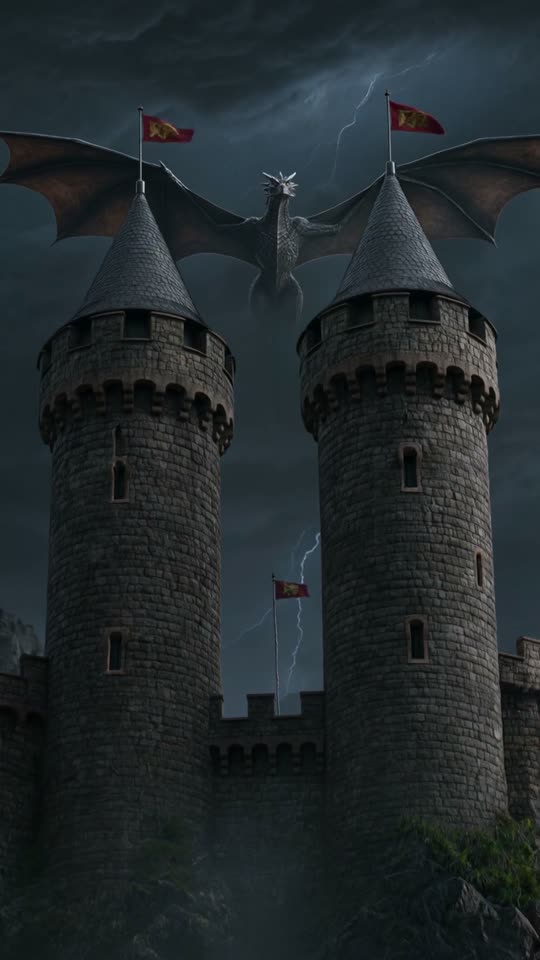
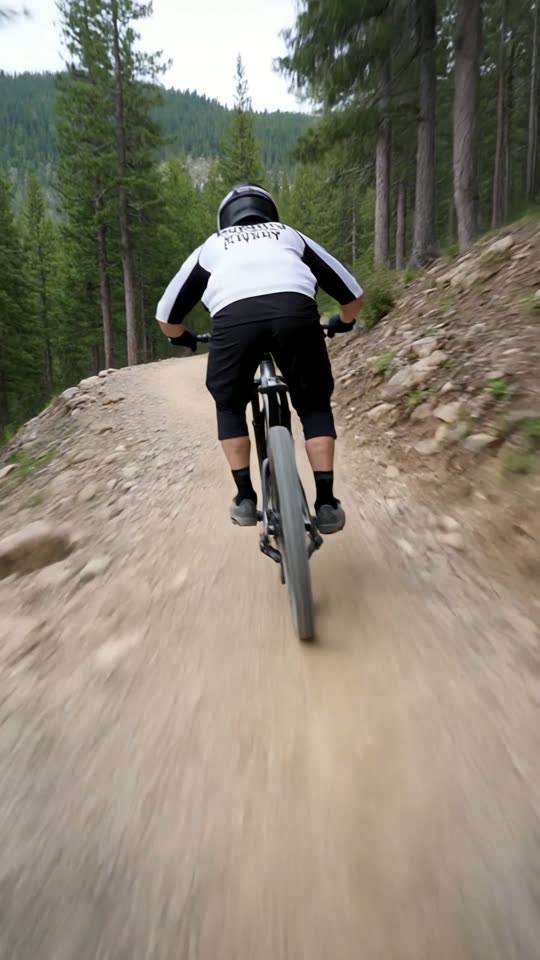
An AI Shorts clip
generator for YouTube.
Type a prompt, pick a style and generate a short vertical AI video clip (5 or 10 seconds). Optionally add captions and music in the editor (voiceover once you've bought credits or during the free trial), then download it or publish it to YouTube from the app.
How to make YouTube Shorts with AI
Three steps from an idea to a clip on your channel. No camera and no editing software.
Describe your clip
Type a prompt, pick a style card and choose 5 or 10 seconds. You can also attach a photo to animate.
AI generates the clip
A vertical 9:16 AI video clip, typically ready in about 1 to 3 minutes. The raw clip comes with AI-generated sound but no captions.
Edit, then publish
Optionally open the editor to add captions and music (voiceover needs bought credits or the free trial). Export an MP4, then publish or schedule to YouTube from the app.
What you can do for your Shorts
5 AI video styles
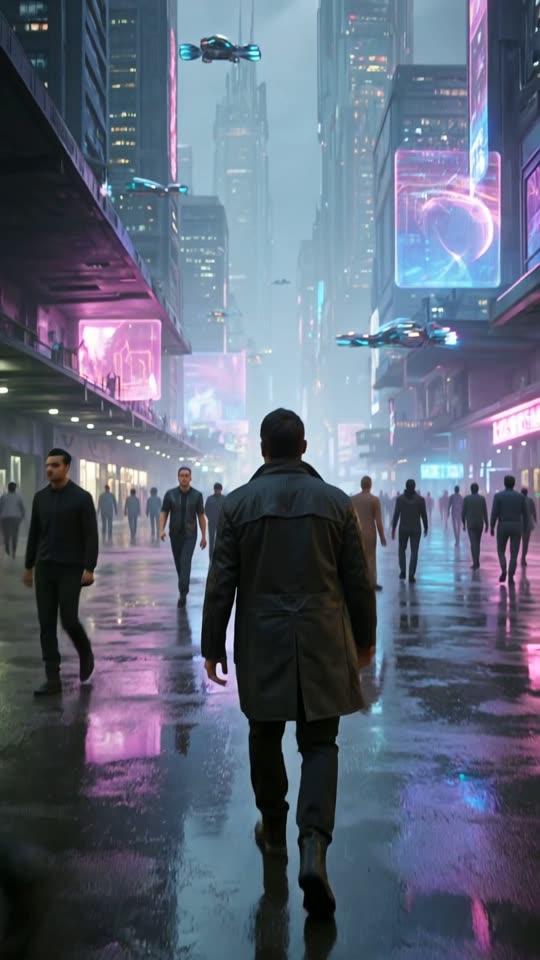
Music video, Film look, Cartoon, Comic book and Anime on every account, plus Product promo, App promo and UGC ads with Pro or Studio Monthly. Pick a style card and write your prompt, or use the Viral Short card for a finished, narrated Short.
Captions you add
In the editor, type text for a scene to get captions in one of 12 styles, including Hormozi, MrBeast and Cinematic. Captions only appear when you add text.
Publish to YouTube
Publish now or schedule from inside the app, straight to your channel.
Content Calendar
Plan your YouTube posting schedule by month, week or day so a consistent upload rhythm doesn't depend on remembering.
Voiceover and music
Add royalty-free music in the editor, plus AI voiceover (American English and five other languages) for text you type once your account has bought credits or during the free trial.
Build longer videos
Add scenes from your own photos and videos, stock footage or your library, then trim, duplicate and reorder them in the editor.
Four habits of Shorts that get watched
The tool handles the clip. These habits decide how far each Short travels.
Win the first two seconds
Open on the payoff or the question, not an intro. The scroll decides fast, so the hook has to land immediately.
Keep it short
Tight Shorts get finished. Cut anything that doesn't move the story forward, then cut a little more.
Post consistently
The Shorts feed rewards a steady rhythm. Aim for one or two a day for 30 days before judging what works.
Captions on
Many people watch with the sound off. If your Short has speech, big, readable, well-timed captions keep them watching.
Starting from zero? Read how to start a faceless YouTube Shorts channel with AI.
YouTube Shorts generator questions
More answers on the full FAQ.