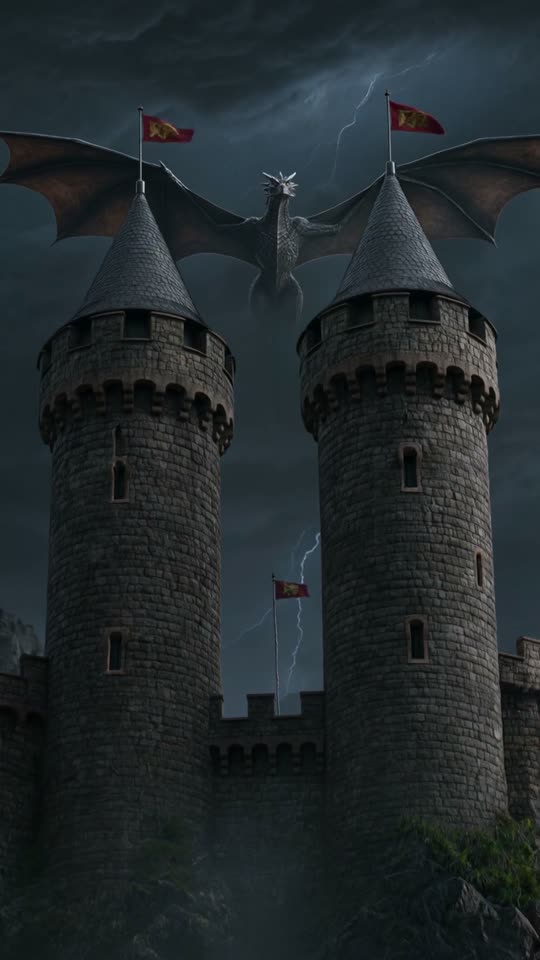
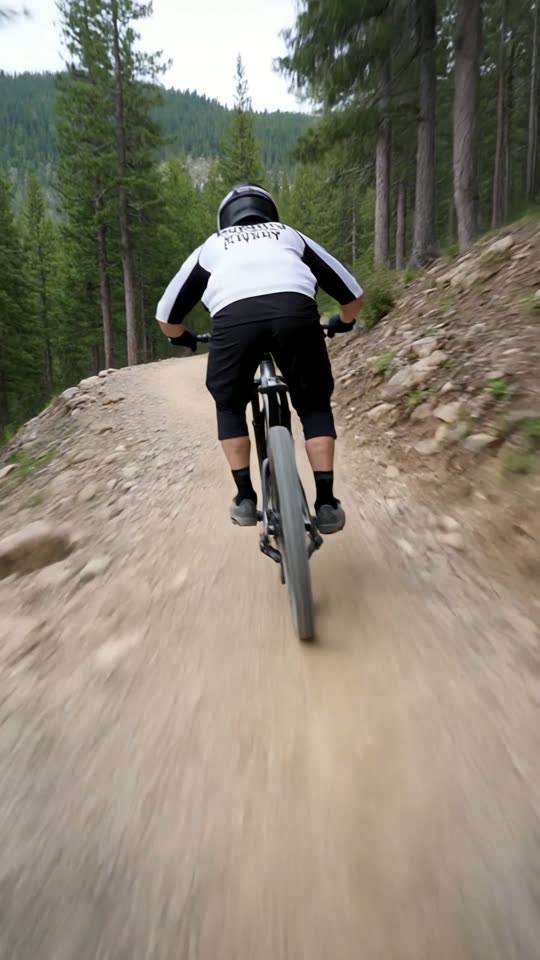
Image to video AI.
Animate any photo.
Attach a photo, describe what should happen and ViralShorts animates it into a 5 or 10 second vertical AI video clip. The clip comes with AI-generated sound; add captions and music if you want them, and voiceover during the free trial or once you've bought credits.
How image to video works here
Your photo becomes the first frame of the clip.
Attach a photo
Upload a portrait, product photo, artwork or any still image on the Create screen.
Describe the motion
Write a prompt for what should happen, pick a style card and choose 5 or 10 seconds.
Download or edit
Get a vertical 9:16 MP4, or open it in the editor to add text, captions and music (voiceover needs bought credits or the free trial).
What people animate
Product photos
Turn a product shot into a short moving clip for a Reel or Short.
Portraits and characters
Bring a still character or portrait to life for a faceless or story channel.
Artwork and illustrations
Animate your own artwork into a short vertical clip.
Thumbnails to teasers
Make a moving teaser from a still image you already have.
What to expect
The photo is used as the first frame, and the AI decides how it moves, so results can vary. Try a couple of prompts if the first one is not right. The raw clip comes with AI-generated sound; captions (and voiceover, for accounts that have bought credits or are in their free trial) are added in the editor from text you type.
Only upload photos you have the right to use, and do not upload images of people without their permission.
Use AI video honestly
AI video can produce odd or inaccurate results, and generation time and quality are not guaranteed. Review every clip before you publish.
Platforms may ask you to disclose realistic synthetic content, so label it where required.
See pricing for credits and plans.
Image to video questions
More answers on the full FAQ. Related: text to video AI, product promo videos, viral Shorts generator, pricing.