7 YouTube Shorts Ideas You Can Make with AI, No Camera

Seven Shorts ideas you can make with short AI video clips and the editor, with no camera and no filming.

Facts and 'did you know' Shorts

Short surprising facts about history, science, space or animals suit a single visual and a line of text. Always verify a fact before you post it.

Motivation and mindset

Quotes and short mindset lessons work well over moody, cinematic visuals. Pick a narrow angle rather than generic motivation.

Mini stories and lore

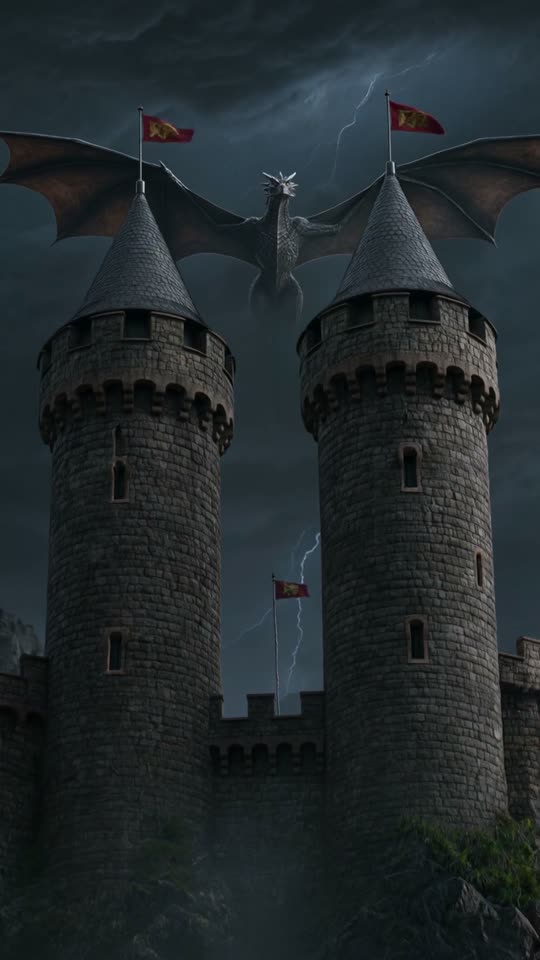
Fantasy, mythology and fiction in short scenes. Use the Anime, Cartoon or Film look style cards and combine several clips as scenes in the editor.

Money and productivity tips

Quick tips with captions on screen. Keep claims general and never present individual financial advice.

Language learning

One word or phrase per Short, with captions and a voiceover. ViralShorts supports voiceover in American English and five other languages (voiceover needs bought credits or the free trial).

Product and app teasers

A short, eye-catching clip for a product or app. Pro and Studio Monthly add Product promo and App promo styles.

Satisfying and aesthetic loops

Calming visuals with a music bed. Short clips loop well, and the Music video style suits the mood.

Keep reading

More from the blog

Comparison · 5 min read

ViralShorts vs OpusClip: Different Tools for Different Jobs

OpusClip clips your existing long videos. ViralShorts generates new AI video clips of up to 30 seconds from a prompt. Here's when each tool makes sense.

Read article
Comparison · 6 min read

ViralShorts vs Vidyo.ai - Which Tool Fits Your Workflow?

Vidyo.ai clips your existing long videos; ViralShorts generates short AI video clips from a prompt. A plain breakdown of who each one is built for.

Read article
Guide · 8 min read

How to Start a Faceless YouTube Shorts Channel with AI

No camera needed. A practical guide to building a faceless Shorts channel using short AI video clips and the editor.

Read article
Guide · 5 min read

How to Make Viral Shorts with AI (Step by Step)

No tool can promise a viral Short, but these habits help. How to make Shorts with AI: hook, vertical format, captions, voiceover and posting.

Read article
Guide · 4 min read

AI Video for TikTok and Instagram Reels: How to Make One

Make one vertical AI video for TikTok, Reels and YouTube Shorts: generate, add captions (voiceover with bought credits or the free trial), export and upload it yourself.

Read article
Comparison · 4 min read

ViralShorts vs InVideo AI: Which AI Video Tool Fits Shorts?

InVideo AI is known for assembling videos from a prompt, largely from stock media. ViralShorts generates new short AI video clips for Shorts, Reels and TikTok. How they differ.

Read article
Comparison · 4 min read

ViralShorts vs Pictory: AI Clips vs Stock-Footage Videos

Pictory turns scripts, articles and long videos into stock-footage videos. ViralShorts generates new short AI video clips from a prompt or photo. Which fits you?

Read article
Comparison · 4 min read

ViralShorts vs CapCut: AI Clip Generator vs Video Editor

CapCut edits footage you already have. ViralShorts makes new AI clips from a prompt, then adds captions (voiceover with bought credits or the free trial). When to use each.

Read article