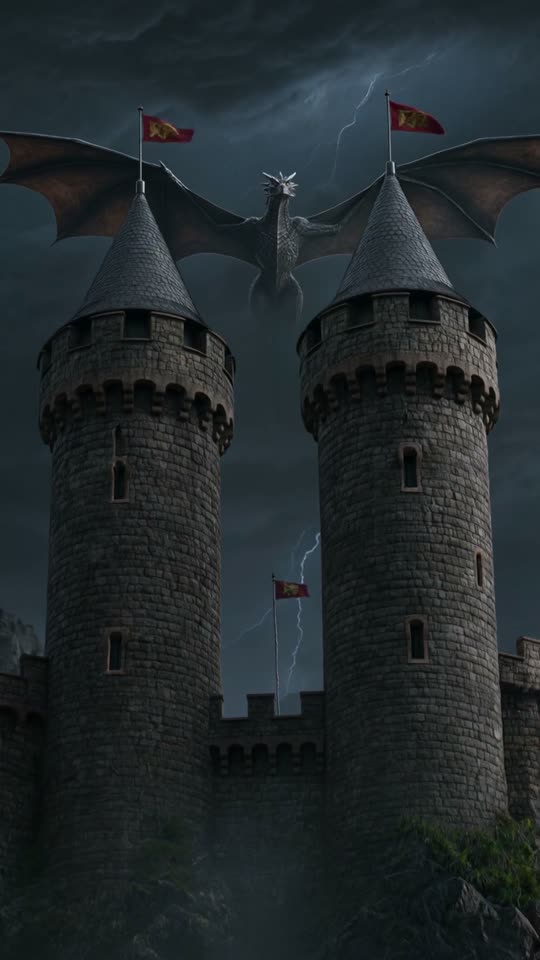
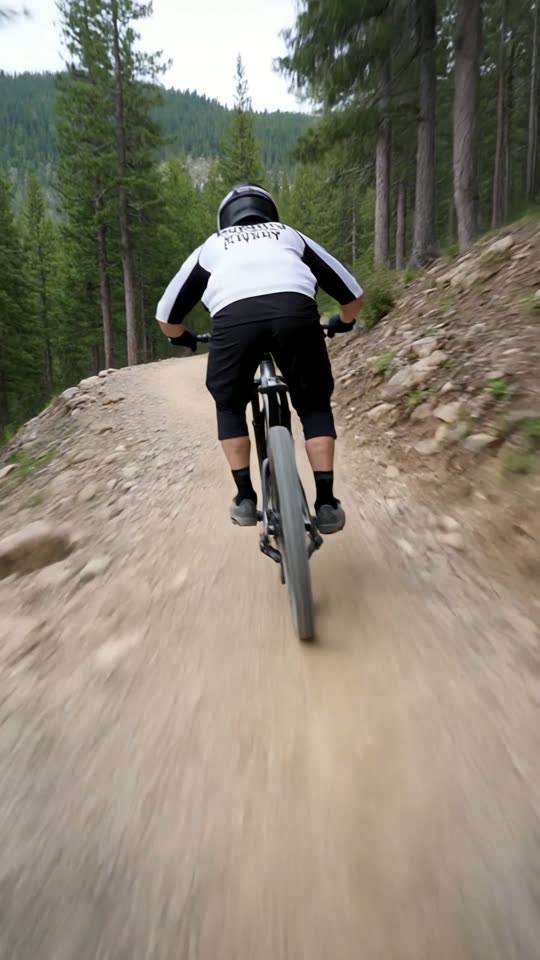
Put your own words over
an AI video clip.
Generate a short AI clip, then type your text per scene in the editor. ViralShorts adds captions, and AI voiceover once you've bought credits or during the free trial, for the words you write. A single clip does not write a script or build a full video from one; for a finished, narrated Short, paste your script (or just a topic) into the Viral Short card.
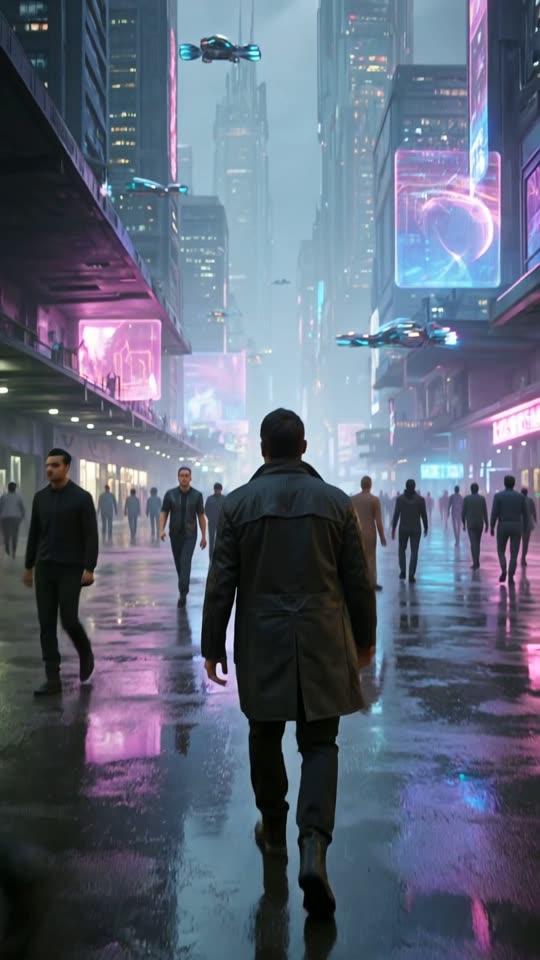
From AI clip to narrated Short in three steps
You write the words. The AI generates the clip, the voiceover and the captions for them.
Generate a clip
Describe a visual in the prompt box, pick a style card and choose 5 or 10 seconds. The AI generates a vertical clip, typically in about 1 to 3 minutes.
Type your text
Click Edit to open the clip in the editor as a scene. Type your own text for the scene to get captions, plus AI voiceover once you've bought credits or during the free trial. Add more scenes for more lines.
Style and export
Pick a caption style, add music, then export a vertical 9:16 MP4. Voiceover and captions only appear for scenes where you typed text.
Type text per scene
In the editor, each scene has its own text. Type a line and the app creates captions for that scene, plus AI voiceover if your account has bought credits or is in its free trial. Scenes without text get no voiceover or captions.
Add more scenes from your own media, stock footage or your library to cover a longer script. The pairing shown here is an illustration.
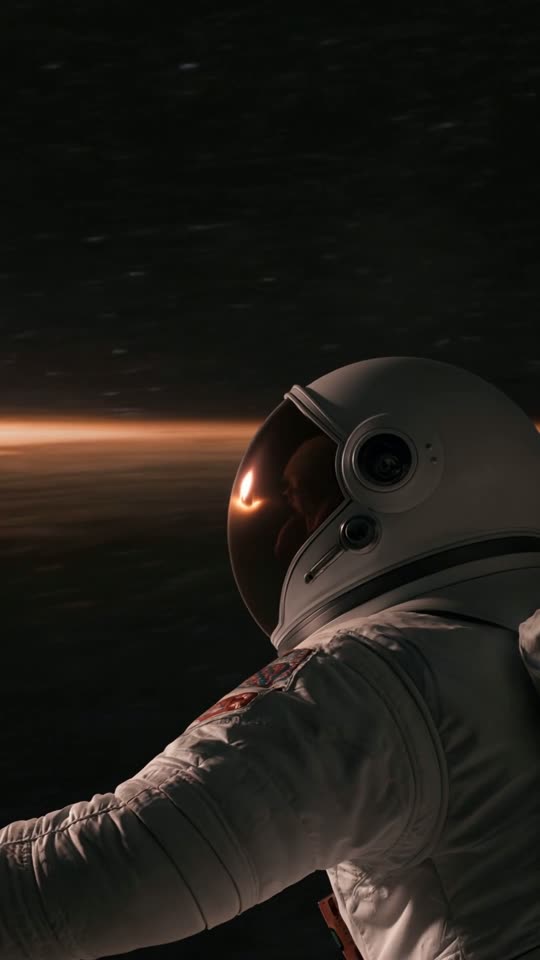
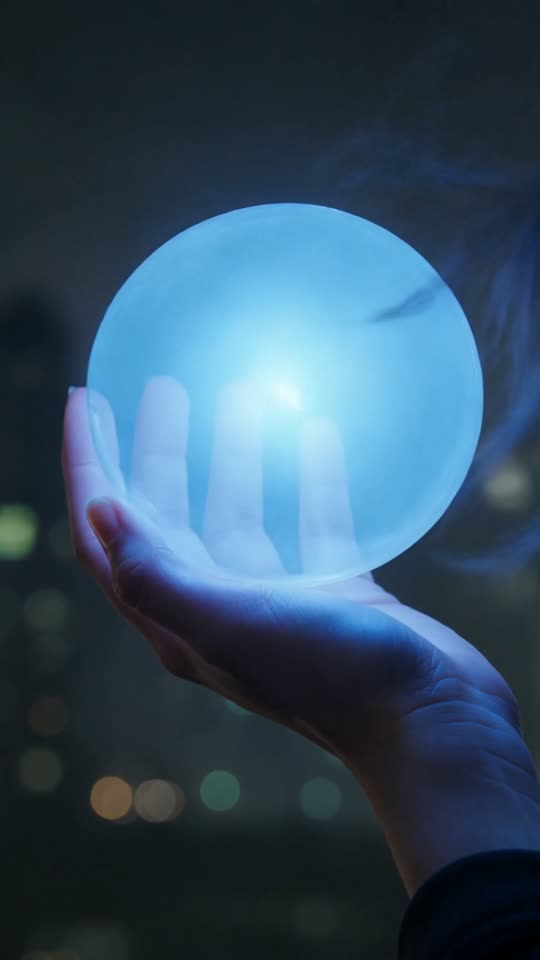
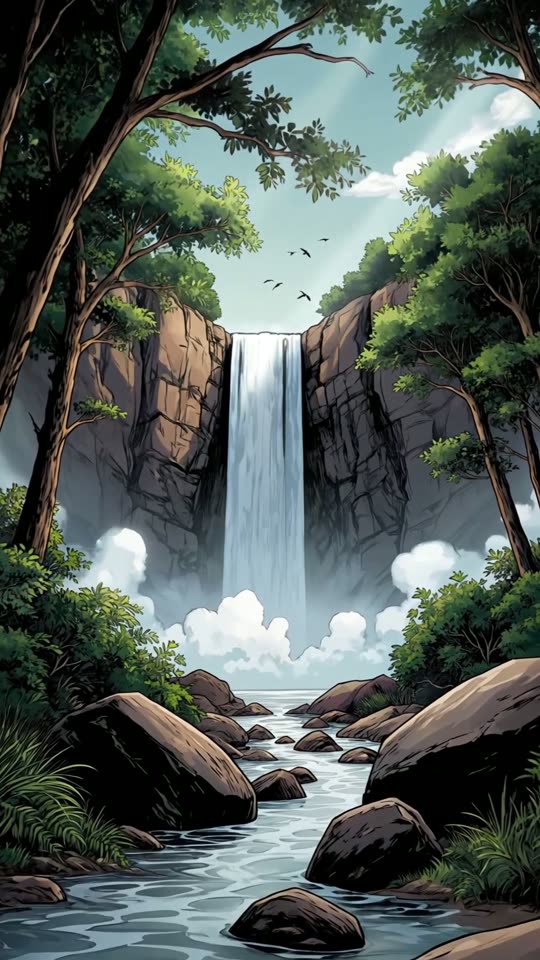
What you can add to an AI clip
AI voiceover
AI narration in American English and five other languages for the text you type, or choose No voice. Narration needs bought credits or the free trial.
AI video clips
Generate a 5 or 10 second clip in one of 5 styles (8 with Pro or Studio Monthly), or a Cinema video of up to 30 seconds in one take, or attach a photo and animate it.
Captions for your text
12 caption styles burned into the video, including word-by-word karaoke highlights, for any scene where you add text.
Your words stay yours
You write the text. Edit any scene, then trim, duplicate or reorder scenes on the timeline before you export.
More scenes when you need them
Add scenes from your own photos and videos, stock photo or video from Pexels, or your library.
Vertical 9:16 export
Export an MP4 in 9:16. Download and upload it to TikTok, Instagram Reels or YouTube Shorts yourself, or publish to YouTube from the app.
Four tips for text that holds attention
Great Shorts start with great words. A few habits make your lines easier to turn into scenes people finish.
Open with the hook
The first sentence decides whether people keep watching. Lead with the surprising claim, question or result, not the setup.
One idea per scene
Short sentences make clean scenes and easy captions. If a line needs two breaths to say, split it across scenes.
Write for the ear
Read it out loud. If it sounds stiff, it will sound stiff in the voiceover too. Use everyday words and contractions.
End with one action
Close on a single next step, such as follow, comment or visit a link, instead of stacking several asks.
Want the full playbook? Read how to start a faceless YouTube Shorts channel.
Voiceover and captions questions
More answers on the full FAQ.