An AI Reels generator
that starts from one idea.
Describe the Reel you want. ViralShorts writes a hook-first script, records the voiceover, builds the scenes and burns in animated captions, all in vertical 9:16.
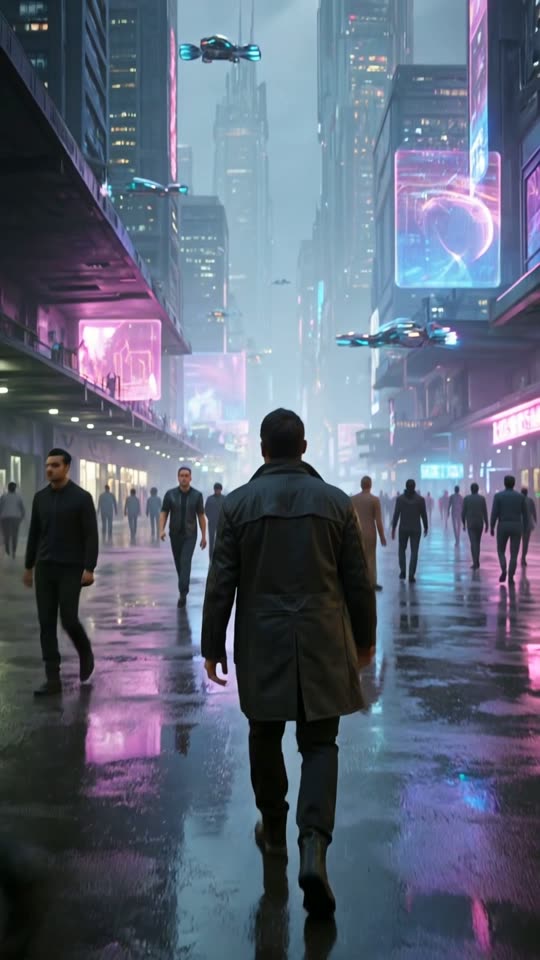
How to make an Instagram Reel with AI
From idea to a file you can upload, without opening a video editor.
Type your idea
A tip, a story, a list or a hot take. Add a length such as 30 seconds and a tone if you want one.
AI builds the Reel
Script, voiceover, AI scenes or stock B-roll, music and captions, rendered vertical at 9:16.
Export and post
Edit anything in the studio, export the MP4, then paste the AI-written caption and hashtags into Instagram.
Reel ideas that work well with AI
Reels reward a strong first second and one clear idea. A few formats that suit a prompt-to-video workflow:
Quick tips
One useful tip in under 30 seconds, with the payoff stated up front.
Myth versus fact
Name a common misconception and correct it in a few short beats.
Numbered lists
Three or five points, each on screen as an animated caption.
Mini stories
A short story that lands on a lesson, narrated over matching scenes.
Behind the product
Explain how something works or why you built it, using stock B-roll or AI imagery.
Weekly series
Pick a recurring theme and plan the posts on the Content Calendar.
Everything a Reel needs, in one render
Each video comes with 10 caption styles, including word-by-word karaoke highlighting, so the on-screen text matches how people watch with the sound off. Scenes are AI-generated images with camera motion or real stock footage, and you can reorder, split or swap any of them in the editor.
Every video includes an AI-written caption, hashtags, a suggested time to post and a cover image with your hook headline.
How posting to Instagram works
ViralShorts does not post to Instagram for you. You export the MP4 and upload it in the Instagram app, which also lets you add trending audio and tags there.
Add your own point of view to every video. Instagram favors original content, and you are responsible for the accuracy of what you publish.
See pricing for credits and plans.
Instagram Reels questions
More answers on the full FAQ. Related: TikTok video maker, YouTube Shorts generator, AI captions, pricing.