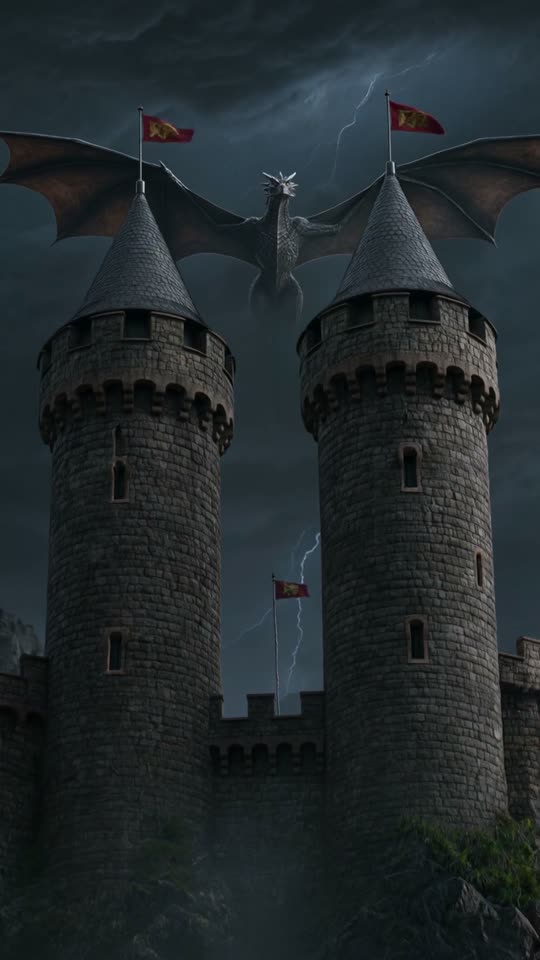
Anime and cartoon
video generator, AI.
Pick the Anime, Cartoon or Comic book style card, describe a scene and ViralShorts generates a 5 or 10 second vertical AI video clip. Add captions and music in the editor, plus voiceover during the free trial or once you've bought credits. The clip itself comes with AI-generated sound.
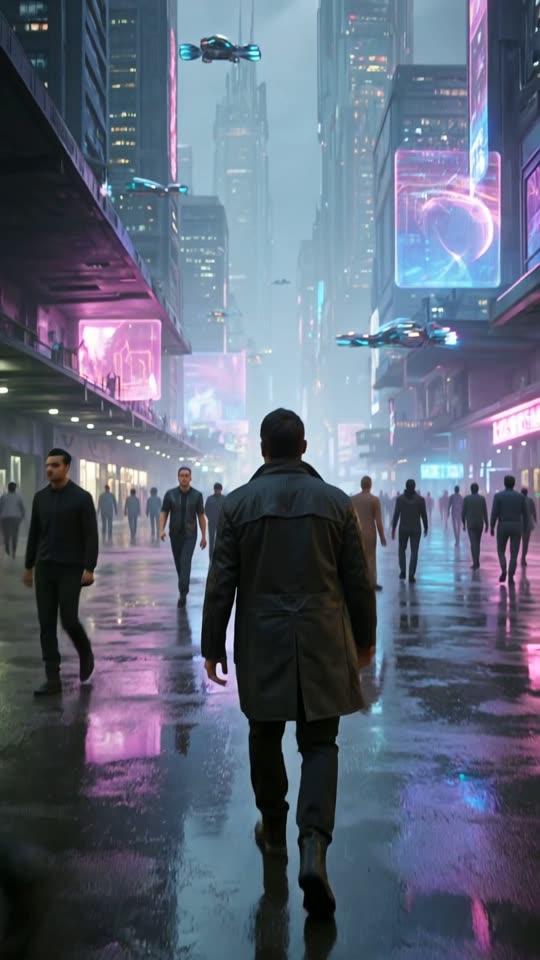
How to make an anime-style video
Style cards are available on every account.
Pick an animated style
Choose Anime, Cartoon or Comic book from the style cards, or Music video and Film look for other looks.
Describe the scene
Write the character, setting and action. You can also attach a picture to animate in that style.
Generate and edit
Get a vertical 9:16 clip in about 1 to 3 minutes, then add story text, captions and music (voiceover needs bought credits or the free trial).
What creators make with animated styles
Story and lore Shorts
Short animated scenes for fantasy, mythology and fiction channels.
Faceless explainers
Cartoon-style visuals with your own voiceover text for quick explainers.
Comic-style moments
Comic book look for jokes, facts and quick stories.
Music and mood clips
Stylised visuals to pair with a music bed in the editor.
What to expect
Each clip is 5 or 10 seconds, or up to 30 seconds in one take on Cinema quality. To tell a longer story, generate several clips and arrange them as scenes in the editor. Characters may not look identical from one clip to the next.
Do not ask for the likeness of real people or copyrighted characters. You are responsible for the content you publish.
Use AI video honestly
AI video can produce odd or inaccurate results. Review every clip before you publish.
Platforms may ask you to disclose realistic synthetic content and act against mass-produced repetitive uploads, so add your own perspective to every video.
See pricing for credits and plans.
Anime and cartoon video questions
More answers on the full FAQ. Related: text to video AI, image to video AI, faceless video generator, pricing.