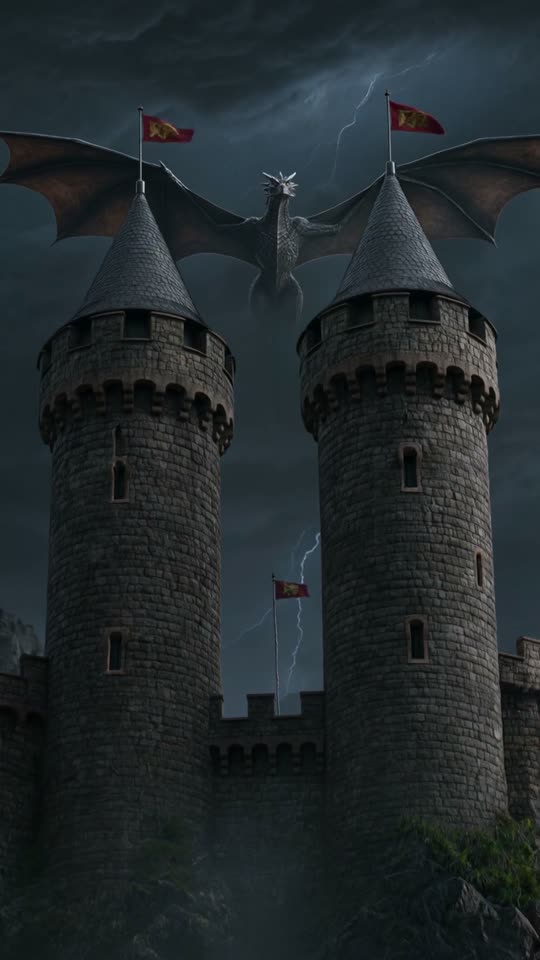
AI cartoon video generator
for Shorts and Reels.
Pick the Cartoon style card, describe the character and scene, and ViralShorts generates a short vertical AI cartoon clip. Add story text, captions and music in the editor, plus voiceover during the free trial or once you've bought credits. The clip itself comes with AI-generated sound.
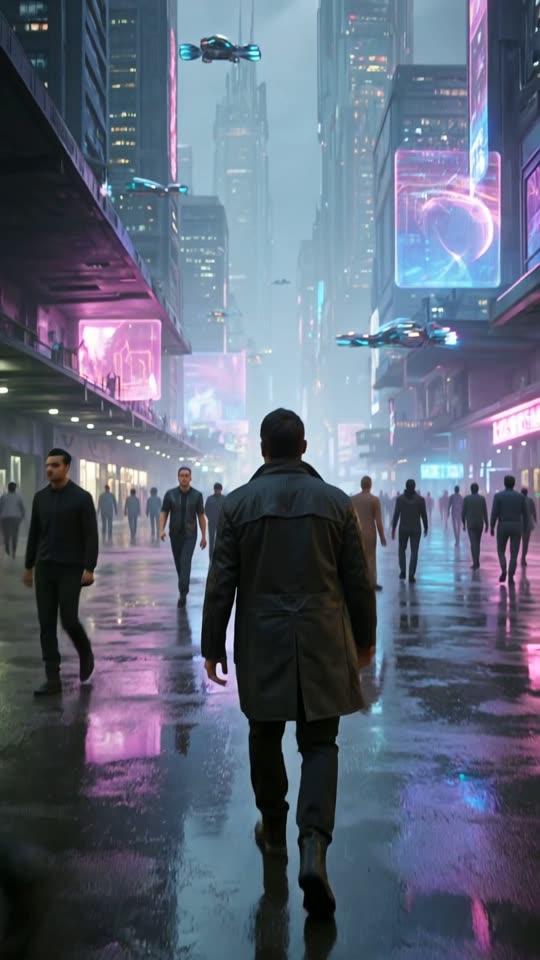
How to make a cartoon video with AI
Cartoon is one of five clip styles on every account.
Choose Cartoon
Pick the Cartoon style card, or Comic book and Anime for related looks.
Describe the scene
Write the character, setting and action, or attach an image to animate.
Generate and edit
Get a vertical clip in about 1 to 3 minutes, then add text and captions (and voiceover, with bought credits or the free trial).
What to make
Kids-style stories
Short, colourful story scenes. Check platform rules for content aimed at children.
Explainer visuals
Cartoon visuals under your own voiceover text.
Meme and joke clips
Quick animated gags for Shorts and Reels.
Brand mascots
Animate an illustration or mascot image into a short clip.
Use AI video honestly
Characters may look different between clips, and AI video can produce odd results. Review every clip before you publish.
Do not request copyrighted characters or real people's likeness.
See pricing for credits and plans.
AI cartoon video questions
More answers on the full FAQ. Related: anime video generator, image to video AI, text to video AI, pricing.