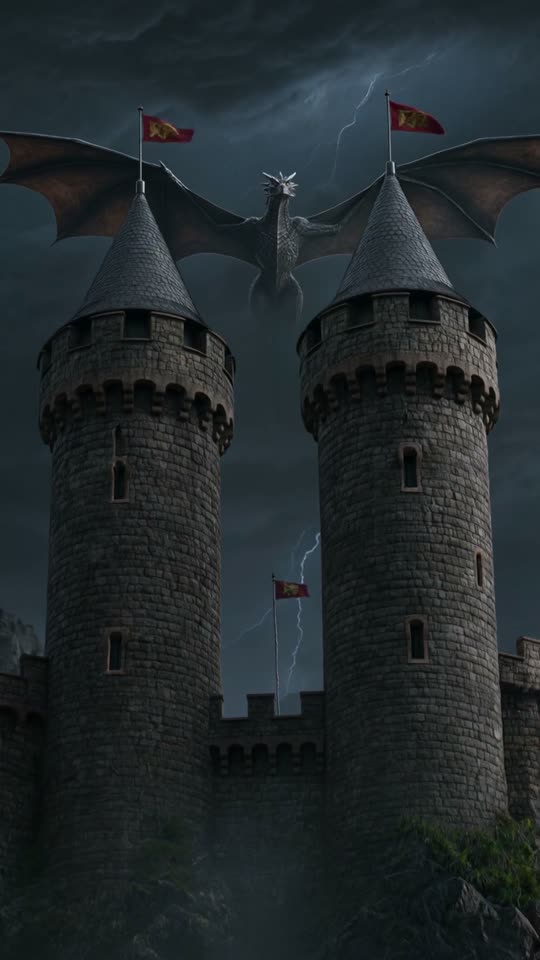
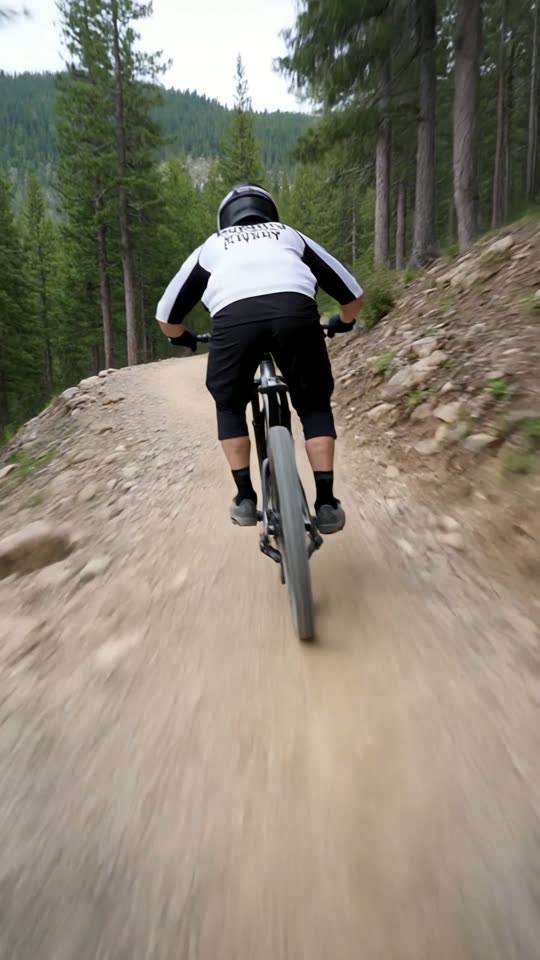
AI video shorts maker.
Get Shorts without filming.
Describe a scene, pick a style and ViralShorts generates a 5 or 10 second vertical AI video short. The clip comes with AI-generated sound; add captions and music in the editor (plus voiceover once you've bought credits or during the free trial), then export an MP4.
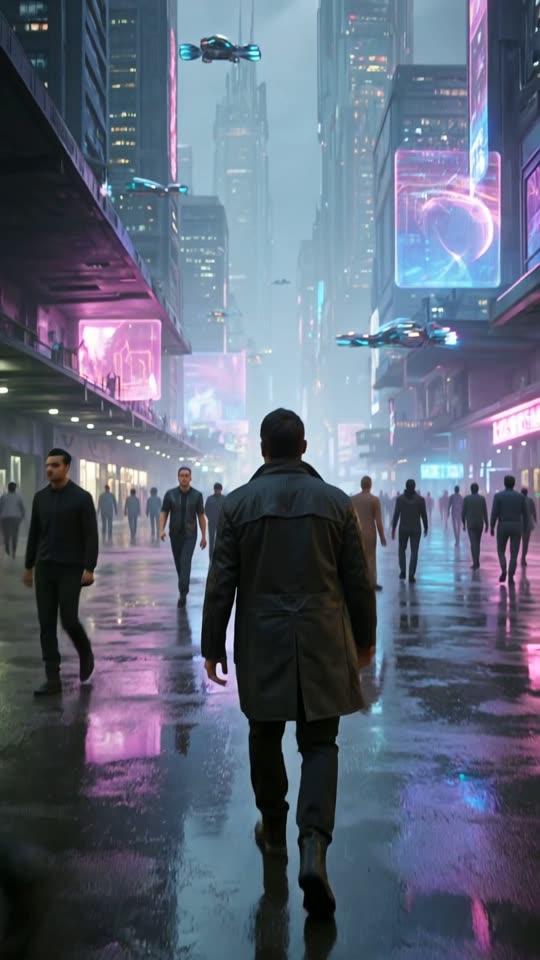
How to get Shorts made with AI
Three steps, no camera.
Write a prompt
Describe the scene and pick a style card. Optionally attach a photo to animate.
Generate
Choose 5 or 10 seconds. A vertical 9:16 short typically takes about 1 to 3 minutes.
Edit and export
Add text, captions and music (voiceover needs bought credits or the free trial), then download the MP4 or publish to YouTube.
Everything for a short-form workflow
AI video clips
Vertical 5 or 10 second clips in five styles on every account.
Editor
Trim, reorder and combine scenes with your own photos, videos or stock footage.
12 caption styles
Animated captions including word-by-word karaoke.
American English voiceover
Natural American voices, plus five more languages, for accounts that have bought credits or are in their free trial.
Music
Royalty-free music beds in the editor.
YouTube publishing
Publish or schedule to YouTube from the app; download the MP4 for TikTok and Reels and upload it yourself.
Use AI video honestly
AI video can produce odd or inaccurate results. Review every short before you publish.
Platforms may ask you to disclose realistic synthetic content and act against mass-produced repetitive uploads, so add your own perspective.
See pricing for credits and plans.
AI video shorts questions
More answers on the full FAQ. Related: viral short maker, YouTube Shorts generator, text to video AI, pricing.