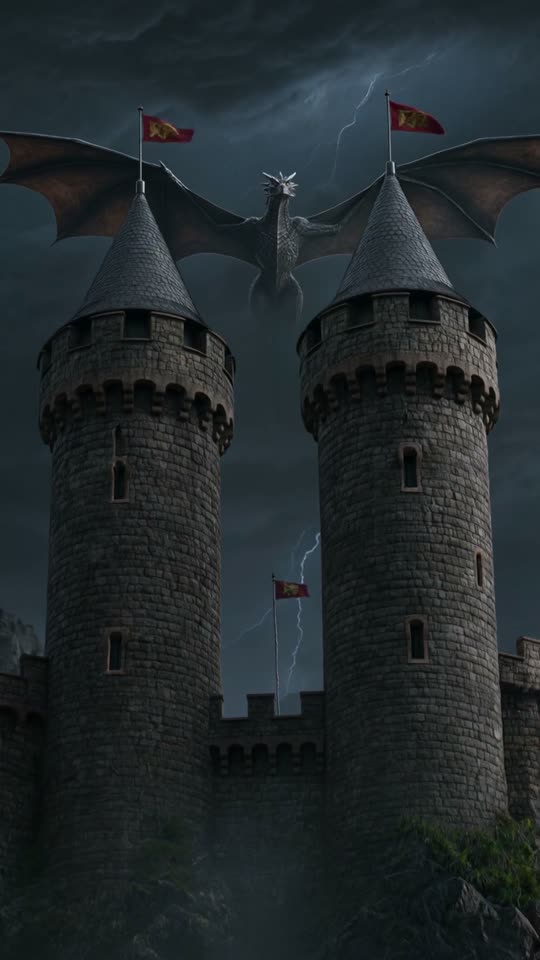
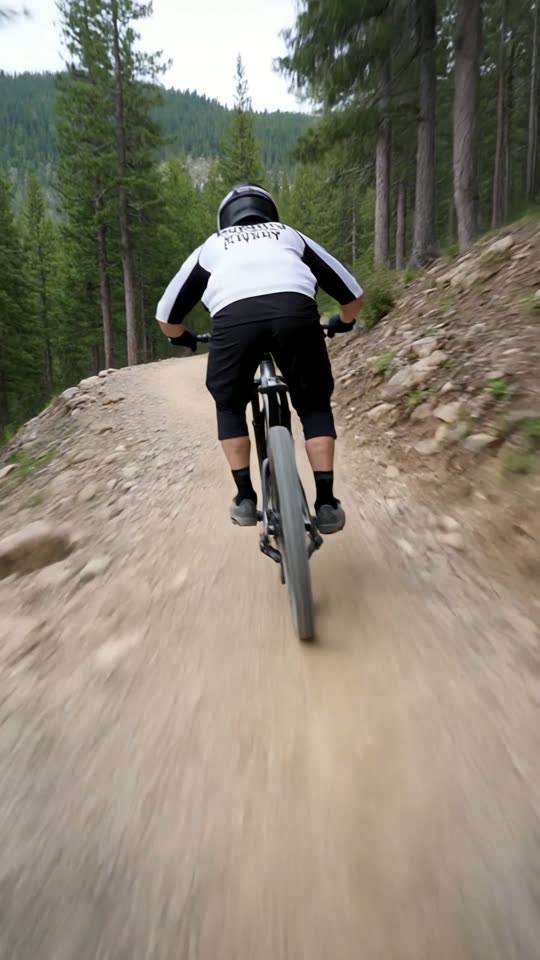
AI music video clips
for Shorts and Reels.
Pick the Music video style card, describe the mood and get a 5 or 10 second vertical AI clip. Add a royalty-free music bed, lyrics as captions and text in the editor.
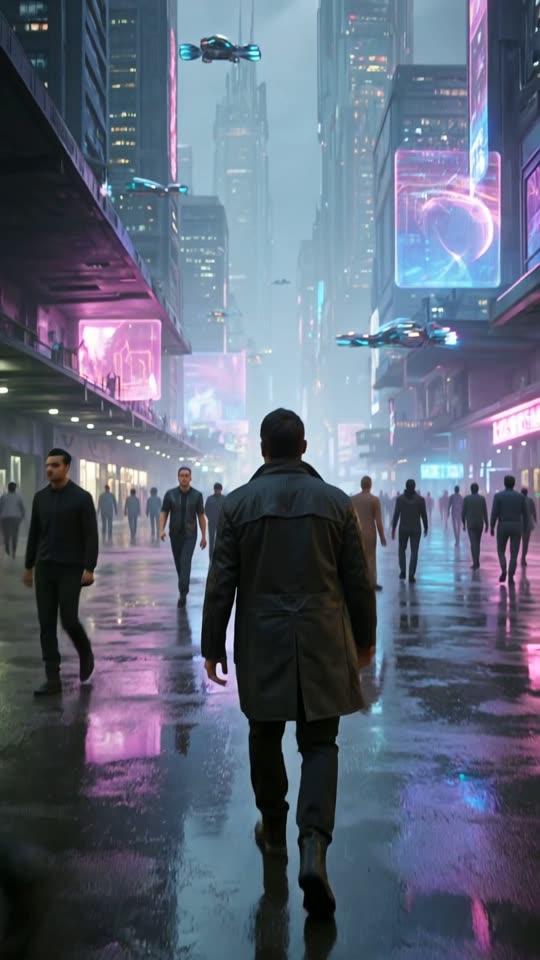
How to make a music-video style clip
Visuals first, then music and text.
Pick Music video
Choose the Music video style card and describe the mood, setting and movement.
Generate the visuals
Choose 5 or 10 seconds and get a vertical 9:16 clip in about 1 to 3 minutes.
Add music and text
In the editor add a royalty-free music bed, text overlays and animated captions, then export.
Where it fits
Lyric and quote clips
Type lyrics or a quote as captions over moody visuals.
Artist teasers
A short visual to tease a track on Reels, TikTok or Shorts.
Mood loops
Atmospheric background clips for vibe or lo-fi channels.
Intro and outro visuals
Short branded openers for your videos.
What to expect
ViralShorts does not compose songs or lip-sync to your track. It makes the visuals and lets you add a music bed from its royalty-free library. If you use your own music, make sure you have the rights to it.
Use AI video honestly
AI video can produce odd or inaccurate results. Review every clip before you publish.
Platforms may ask you to disclose realistic synthetic content.
See pricing for credits and plans.
AI music video questions
More answers on the full FAQ. Related: anime video generator, text to video AI, AI captions for Shorts, pricing.