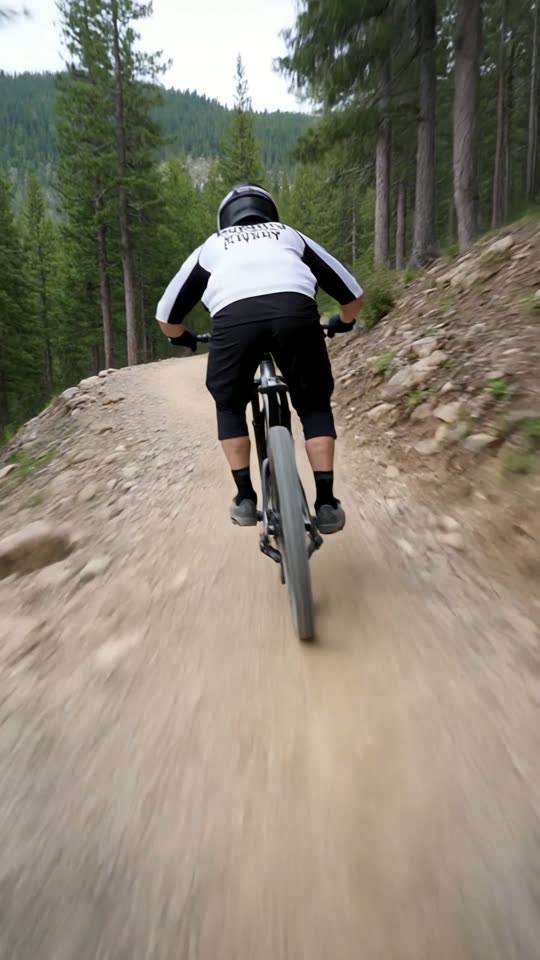
AI Video for TikTok and Instagram Reels: How to Make One

How to make a vertical AI video once and post it to TikTok, Instagram Reels and YouTube Shorts.

Use the right format

TikTok, Instagram Reels and YouTube Shorts are all vertical 9:16. ViralShorts exports vertical MP4s, so one video fits all three.

Generate the clip

Write a prompt, pick a style card and choose 5 or 10 seconds. A clip typically takes about 1 to 3 minutes.

Add captions, voice and music

Open the editor to add text overlays, 12 caption styles, AI voiceover with American English voices (voiceover needs bought credits or the free trial) and a music bed.

Export and upload

Download the MP4 (during the free trial, exports are 720p with a ViralShorts watermark; once you have bought credits they go up to 1080p with no watermark). For TikTok and Instagram you upload it yourself; YouTube can be published or scheduled from the app.

Check platform rules

TikTok and Instagram may require you to label AI-generated content. Review each clip and add your own perspective.

Keep reading

More from the blog

Comparison · 5 min read

ViralShorts vs OpusClip: Different Tools for Different Jobs

OpusClip clips your existing long videos. ViralShorts generates new AI video clips of up to 30 seconds from a prompt. Here's when each tool makes sense.

Read article
Comparison · 6 min read

ViralShorts vs Vidyo.ai - Which Tool Fits Your Workflow?

Vidyo.ai clips your existing long videos; ViralShorts generates short AI video clips from a prompt. A plain breakdown of who each one is built for.

Read article
Guide · 8 min read

How to Start a Faceless YouTube Shorts Channel with AI

No camera needed. A practical guide to building a faceless Shorts channel using short AI video clips and the editor.

Read article
Guide · 5 min read

How to Make Viral Shorts with AI (Step by Step)

No tool can promise a viral Short, but these habits help. How to make Shorts with AI: hook, vertical format, captions, voiceover and posting.

Read article
Guide · 4 min read

7 YouTube Shorts Ideas You Can Make with AI, No Camera

Seven faceless YouTube Shorts ideas: facts, motivation, stories, tips, language learning, product teasers and aesthetic loops, made with AI video clips.

Read article
Comparison · 4 min read

ViralShorts vs InVideo AI: Which AI Video Tool Fits Shorts?

InVideo AI is known for assembling videos from a prompt, largely from stock media. ViralShorts generates new short AI video clips for Shorts, Reels and TikTok. How they differ.

Read article
Comparison · 4 min read

ViralShorts vs Pictory: AI Clips vs Stock-Footage Videos

Pictory turns scripts, articles and long videos into stock-footage videos. ViralShorts generates new short AI video clips from a prompt or photo. Which fits you?

Read article
Comparison · 4 min read

ViralShorts vs CapCut: AI Clip Generator vs Video Editor

CapCut edits footage you already have. ViralShorts makes new AI clips from a prompt, then adds captions (voiceover with bought credits or the free trial). When to use each.

Read article